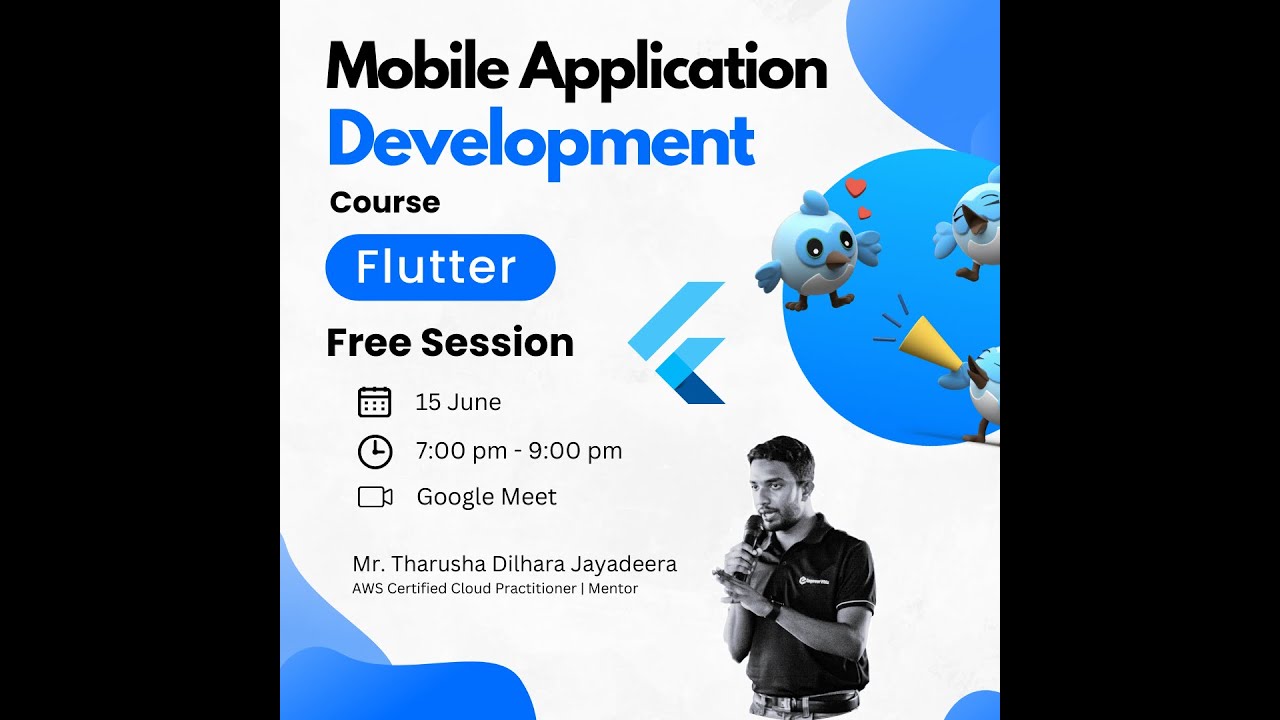
Flutter Mobile App Development:From Beginner to Professional Developer

Learn to build beautiful, high-performance cross-platform mobile apps using Flutter. Gain hands-on experience by creating real-world applications and kickstart your career as a mobile app developer.

4.8
(95 ratings)
120+ students enrolled
Last updated 10/2025
Sinhala

What you'll learn

7 Core Outcomes
Build real-world cross-platform mobile apps using Flutter
Master Dart programming from basics to advanced concepts
Design responsive and modern mobile UIs
Understand state management using Provider
Integrate REST APIs and handle backend communication
Use Firebase for authentication and cloud data storage
Publish your apps to the Google Play Store

Requirements

  • Basic computer knowledge
  • A computer with internet access
  • No prior programming experience required — everything will be taught from scratch

Description

Are you ready to become a professional mobile app developer using Flutter?

This beginner-friendly course will guide you step by step to build beautiful, fast, and cross-platform mobile applications using Flutter and Dart. Flutter is one of the most in-demand technologies used to create apps for both Android and iOS with a single codebase.

This course is designed to be highly practical. You will not only learn concepts but also build real-world projects, including a complete mini app, to strengthen your skills and portfolio.

Course Content

10 sections  •  38 lectures  •  60h total

Start Learning for Free!

The 3 days are completely unlocked. Watch them now without any payment.

Introduction to Flutter
Locked
Setting Up Flutter SDK & Environment
Locked
Understanding Flutter Architecture
Locked
Introduction to Dart
Locked
Dart Basics (Variables, Data Types, Functions)
Locked
Widgets Overview
Locked
Stateless vs Stateful Widgets
Locked
Basic UI Components
Locked
Layouts in Flutter
Locked
Building Simple UI Screens
Locked
Building Responsive UIs
Locked
MediaQuery & LayoutBuilder
Locked
Navigation and Routing
Locked
Passing Data Between Screens
Locked
Handling User Input
Locked
TextFields & Controllers
Locked
Forms and Validation
Locked
Working with Buttons & Gestures
Locked
State Management Basics
Locked
Provider Package
Locked
Managing App State Effectively
Locked
HTTP Requests
Locked
Working with REST APIs
Locked
Parsing JSON Data
Locked
Displaying Dynamic Data
Locked
Working with Lists & ListView
Locked
Handling Images and Icons
Locked
Basic Animations
Locked
Introduction to Firebase
Locked
Authentication (Login & Signup)
Locked
Cloud Firestore Database
Locked
Basic Testing in Flutter
Locked
Debugging Techniques
Locked
Preparing App for Release
Locked
Publishing to Play Store
Locked
Mini App Development Project
Locked
Project Structure Best Practices
Locked
Final Review & Improvements
Locked

Frequently Asked Questions

Course Preview
Watch Introduction Session
Loading...

30-Day Money-Back Guarantee

Includes

60h video
5+ projects
Lifetime
Certificate